HomeUncategorizedHow to Know When It’s the Right Time to Upgrade Your Computer?
How to Know When It’s the Right Time to Upgrade Your Computer?
Introduction
Every computer has a limit. As software gets heavier and daily tasks increase, your system may start to slow down. Many users keep repairing their computer again and again without realizing that an upgrade could solve all their problems. Understanding the right time to upgrade helps you save money, improve performance, and avoid unnecessary stress.
Your Computer Becomes Slow Even After Cleaning
If your PC still lags even after deleting junk files, optimizing storage, or reinstalling Windows, it means your hardware is struggling. This is one of the clearest signs that an upgrade is needed.
Apps Take Too Long to Open
When simple tasks like opening Chrome, MS Office, or games take too much time, your system may not have enough RAM, storage speed, or processing power.
You Are Running Out of Storage Frequently
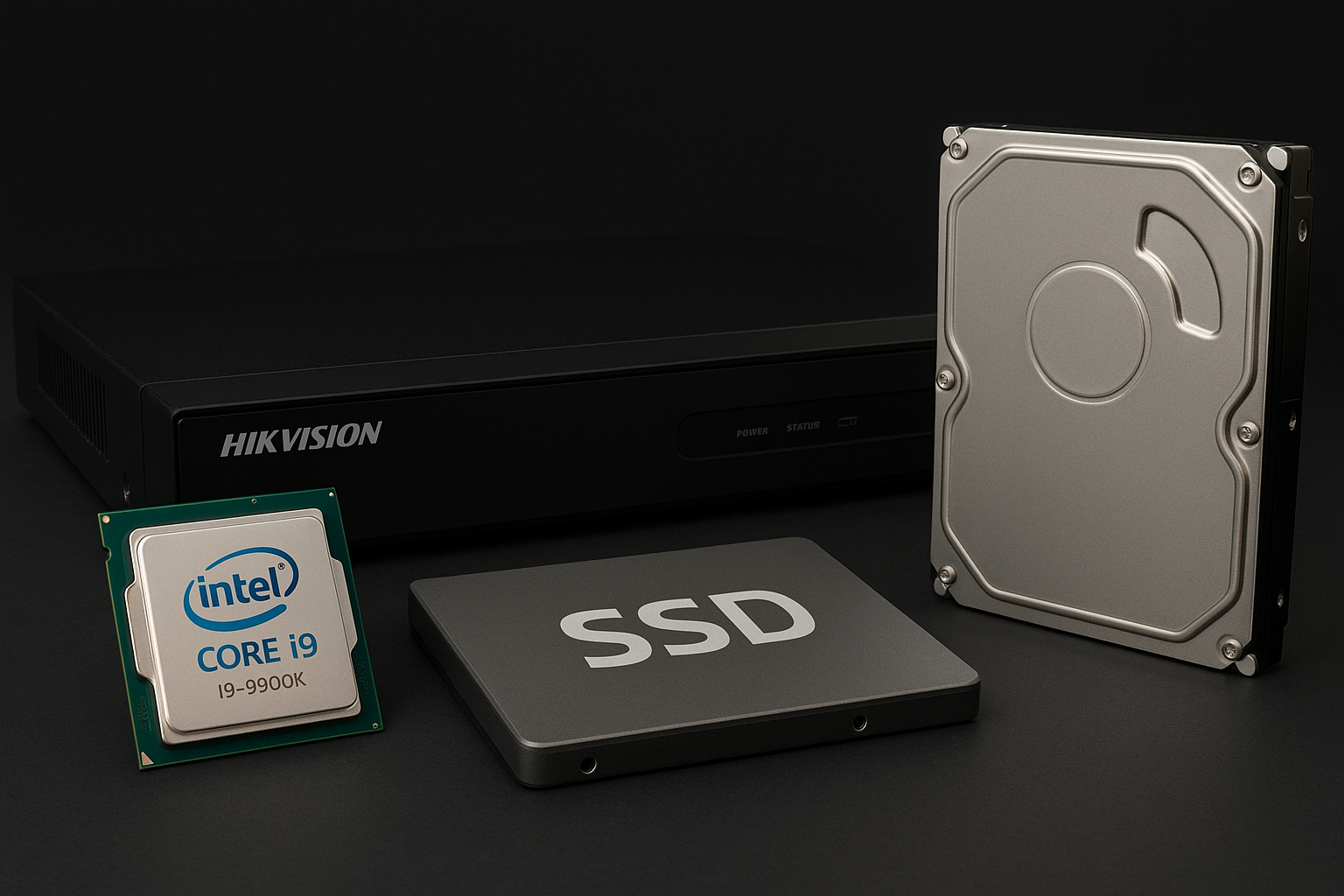
If your hard disk or SSD fills up quickly no matter how much you delete, it’s time to upgrade to a larger or faster storage device. Modern SSDs give a huge boost in speed.
Your Computer Heats Up Quickly
Old components generate more heat because they are not able to handle new software. Overheating affects performance and can damage internal parts, so upgrading becomes important.
Your Work Requirements Have Changed
If you started using your PC only for basic work but now need it for video editing, designing, or gaming, your old system may not support heavy tasks. An upgrade helps your computer match your current needs.
New Software Is Not Supported
When your PC cannot run new applications, operating systems, or updates, it means the hardware is outdated. This affects security and performance.
How to Incorporate Natural Supplements into Your Routine
1
Your System Takes Too Long to Start
If your computer needs several minutes just to boot, it usually means your storage drive is old or slow. Upgrading to an SSD makes your PC start within seconds and improves overall speed.
2
Multitasking Becomes Difficult
If your computer struggles when you open multiple tabs or apps together, it’s a sign that your RAM or processor can’t keep up. Upgrading helps your system handle multitasking smoothly.
3
External Devices Don’t Work Properly
Sometimes older systems fail to support new printers, webcams, or external storage devices. This happens due to outdated ports or slow hardware. Upgrading ensures full compatibility with modern accessories.
Conclusion
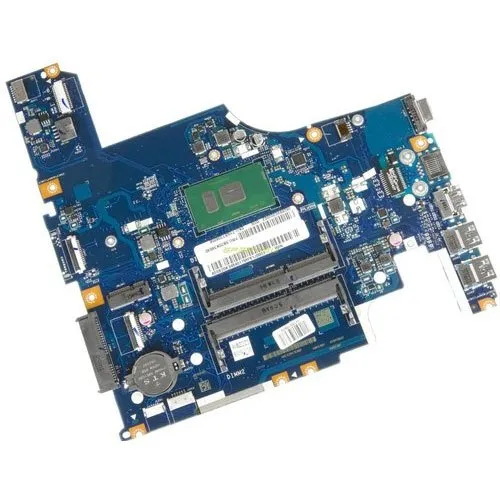
Knowing when to upgrade your computer helps you stay fast, productive, and stress-free. Whether it’s RAM, SSD, processor, or motherboard, updating your hardware keeps your system ready for modern tasks. At Satyam Tech Hub, we help users find the right upgrades for the best performance and long life.






Leave a comment